

exp:channel:form
How Do I?

Hi fellow EE peeps, I stuck on a simple form using exp:channel:forms to update a timestamp on an entry:
{exp:channel:form channel="myentry" return="{current_url}" entry_id="16" require_entry="yes" }
<input type="hidden" name="a_timestamp" id="a_timestamp" value="{current_time format="%F %d, %Y - %g:%i:%s %a"}" />
<input class="button"  type="submit" name="submit" value="Activate" />
{/exp:channel:form}
I get no errors but nothing entered in the field, I’ve set the permissions so that the user has the rights to add/edit all entries (will limit later) but i’m stumped. EE 6.2.5
Pete

Are there any fields that are required, but aren’t in the form? And are they empty in the entry?
I have seen this happen when I’m creating a new entry and forget to submit the url title or something.
Have you tried turning on errors explicitly in the channel form tag?

What time of field are you updating? Is a Date field or just a text input?
Thanks Tim, Nope, none of the fields are required in the entry (besides title & url_title) I’m not creating a new entry just updated it. Do you know if you have to update every field or can you just update one? I’ve tried to add errors but nothing
i’ll keep plugging away.
You should be able to submit a form without required fields, as long as they have data in them already.
Its a simple text input field. Its got to be some setting i’m missing
I just tried your exact code and it worked fine for me. Sorry to state the obvious but have you tripled checked the entry_id is correct and you don’t have a typo in your field name or channel name?

Did you change the allowed format of the text field itself, changing it from “All” to number or something else? Is maximum characters being exceeded?
Second test, if you just hard-code anything (all numbers, all letters, etc) at all into your hidden input, does it save?
And just to cover all bases, verify the field name and input’s name attribute match.
I’ve triple checked and now done it again (typos are my nemesis ). I still think its a setting Ive missed or don’t know about. I’ll keep digging but thanks for your help
Last check - try creating a new temporary test field and try updating.
If it does, then it’s an issue with the field. If not, then it’s something higher-up, like channel or permission settings.
can you screenshot and post the settings for your field? Also, copy and paste your actual template. something is certainly amiss here.
I’ll do some recreating later this afternoon, i’m off to a meeting that could have been an email. Thanks everyone I’ll let you know what i figure out
Ok. so I tried to moving the code out side of any other code and hard coding the necessary vars, and still it won’t write to it I’ve pretty much exhausted any coding errors so its got to be a setting i’ve missed or miss set. If anyone have a step by step i could follow i’d be much appreciated I’ve added a few screenshots
thanks again everyone for your input.
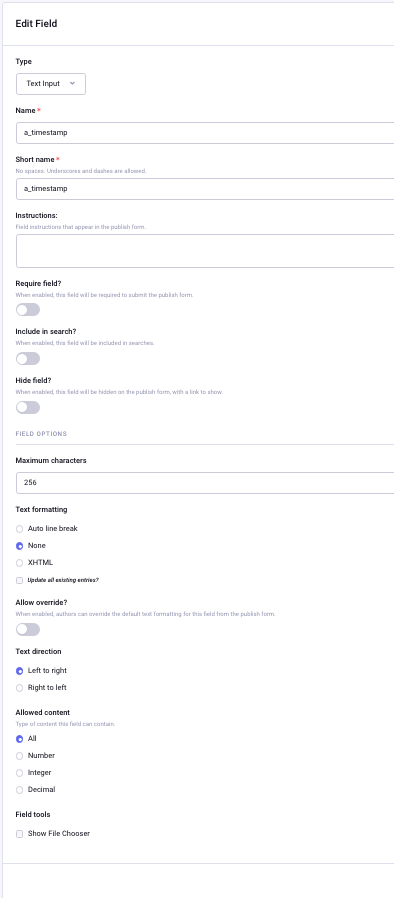
So here’s what i’ve done so far:
1 created a new template with nothing but this in it
{exp:channel:form channel="subrecord" require_entry="NO" return="/home/" } <input type=”text” name=”title” id=”title” value=”Test Sub” /> <input type=”text” name=”url_title” id=”url_title” value=”test-sub” /> <input type=”text” name=”a_personid” id=”a_personid” value=”5” /> <input type=”text” name=”a_eventid” id=”a_eventid” value=”15” /> <input type=”text” name=”a_regdate” id=”a_regdate” value=”February 24, 2022 - 11:02:30 am” /> <input type=”text” name=”a_timestamp” id=”a_timestamp” value=”1” /> <input class=”button” type=”submit” name=”submit” value=”Register” /> {/exp:channel:form}
2 created a new channel called subrecord (see two attached setting screenshots)
3 I also update to the newest ee version 6.2.6
When I submit the form the page just reloads nothing written to the db and return address ignored
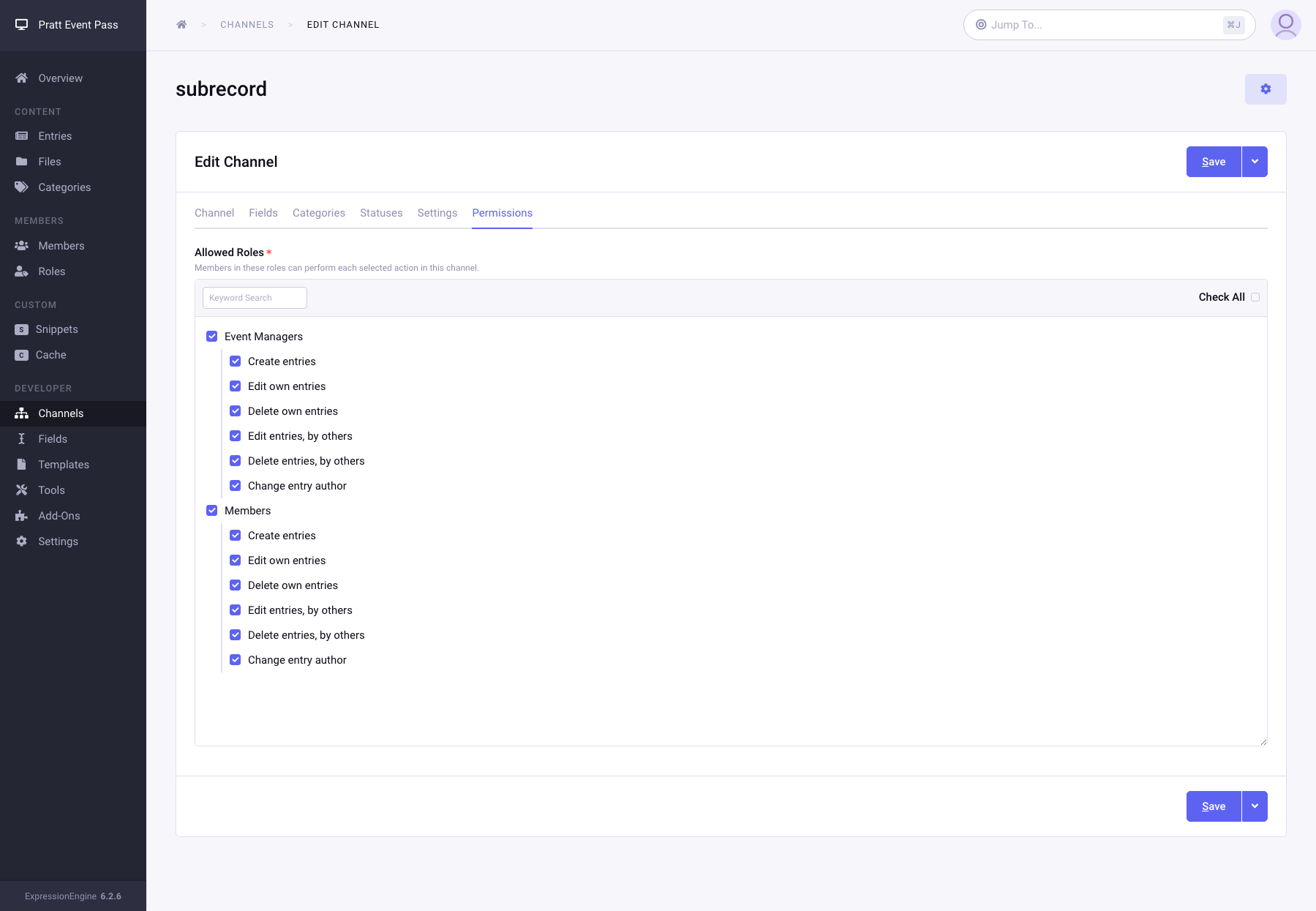
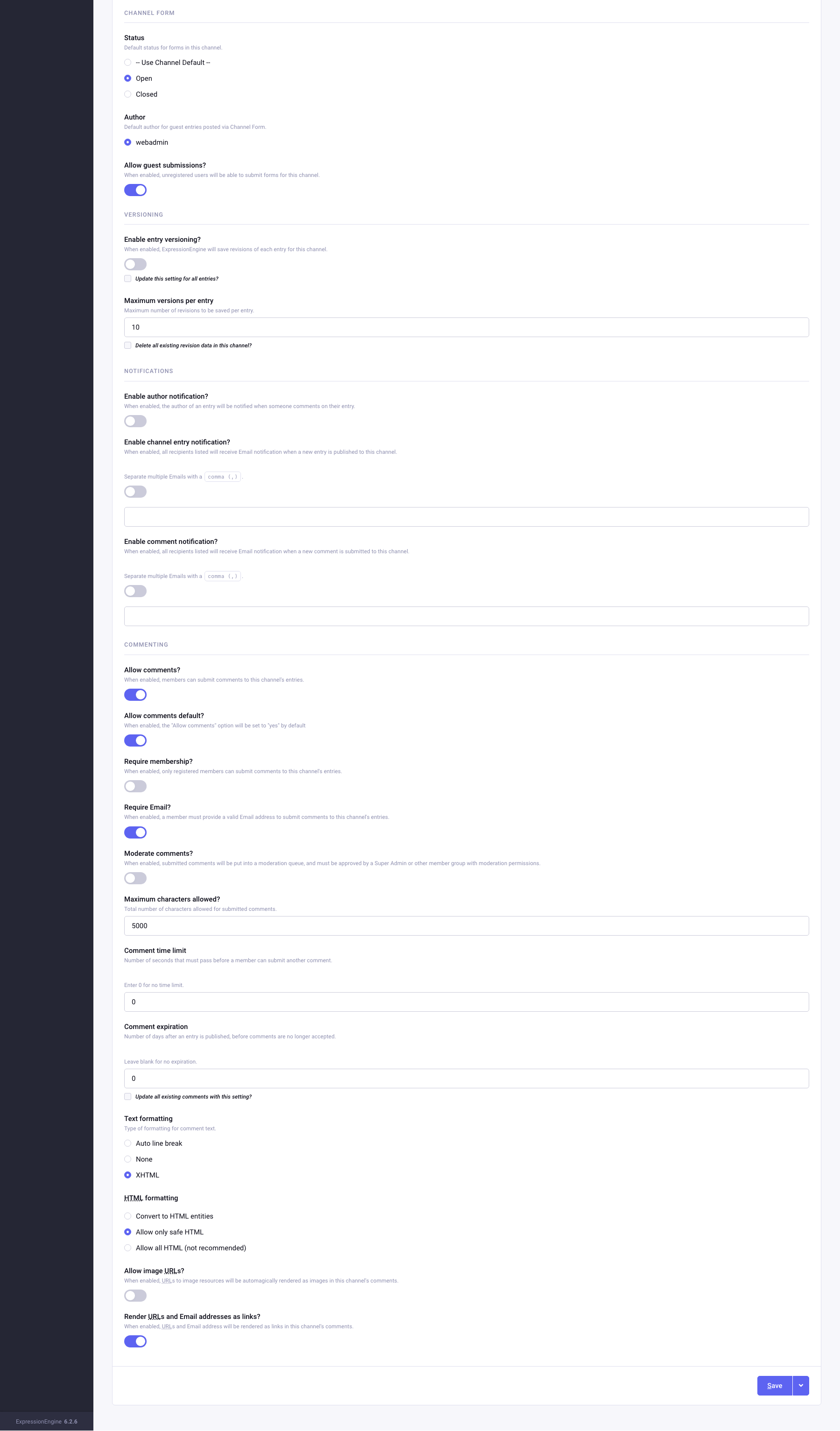
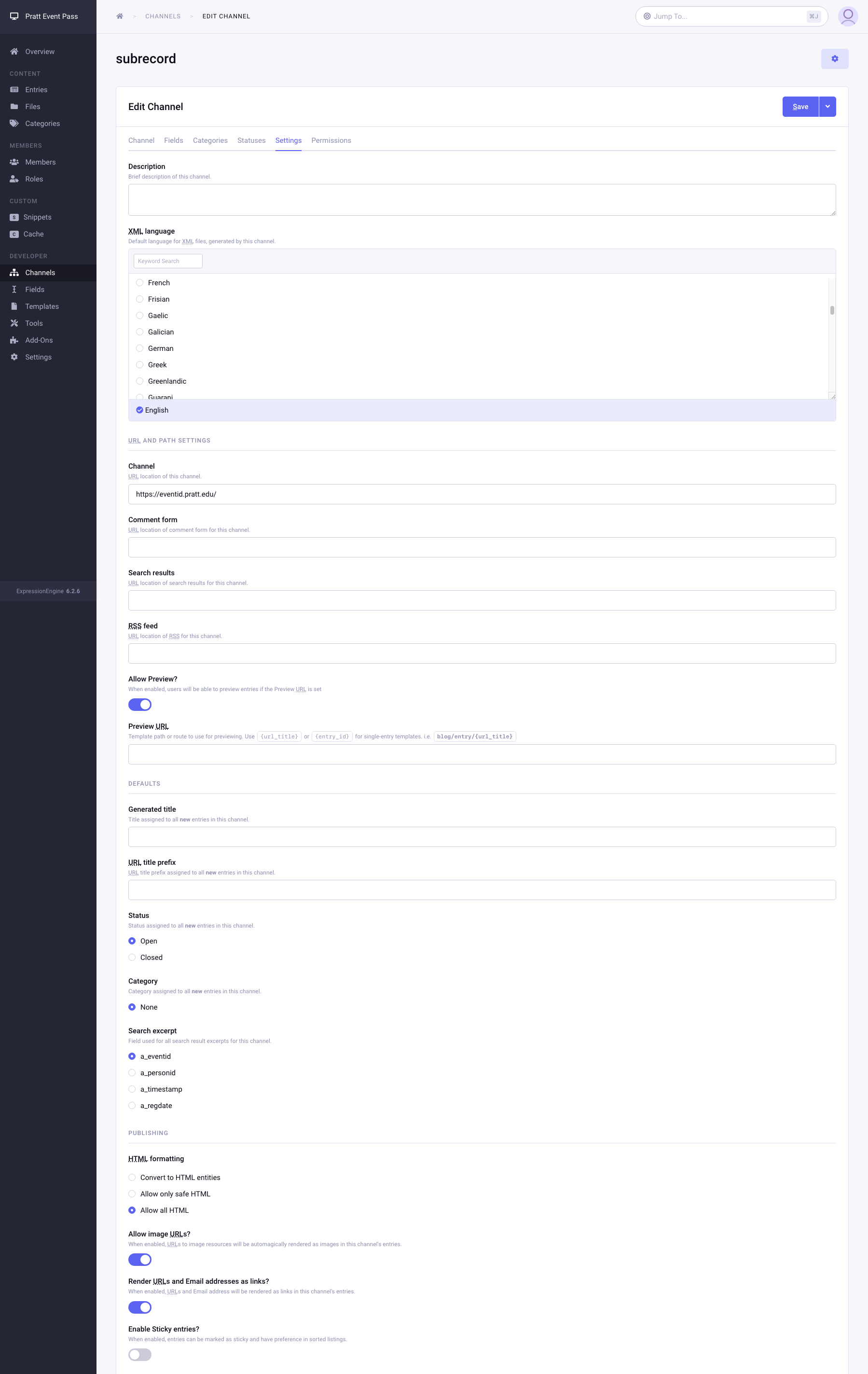
Just to add a little more testing: I created a simple form using PHP that submits to the same page with a function to capture and display the POST vars. When i hit submit nothing is POSTed. If i send it to a page outside EE it works perfectly. It’s just getting weirder.
Pete