
ExpressionEngine 7.6.0
11/24/2026 / By Tom Jaeger

11/24/2026 / By Tom Jaeger
ExpressionEngine 7.6.0 is here! We have added a new high-contrast Control Panel theme, a one-click way to refresh an entry’s URL title, PHP 8.6 support and improvements for command-line updates. This release also brings updates to multi-factor authentication that give you more control over when your team is asked for a code and much more.
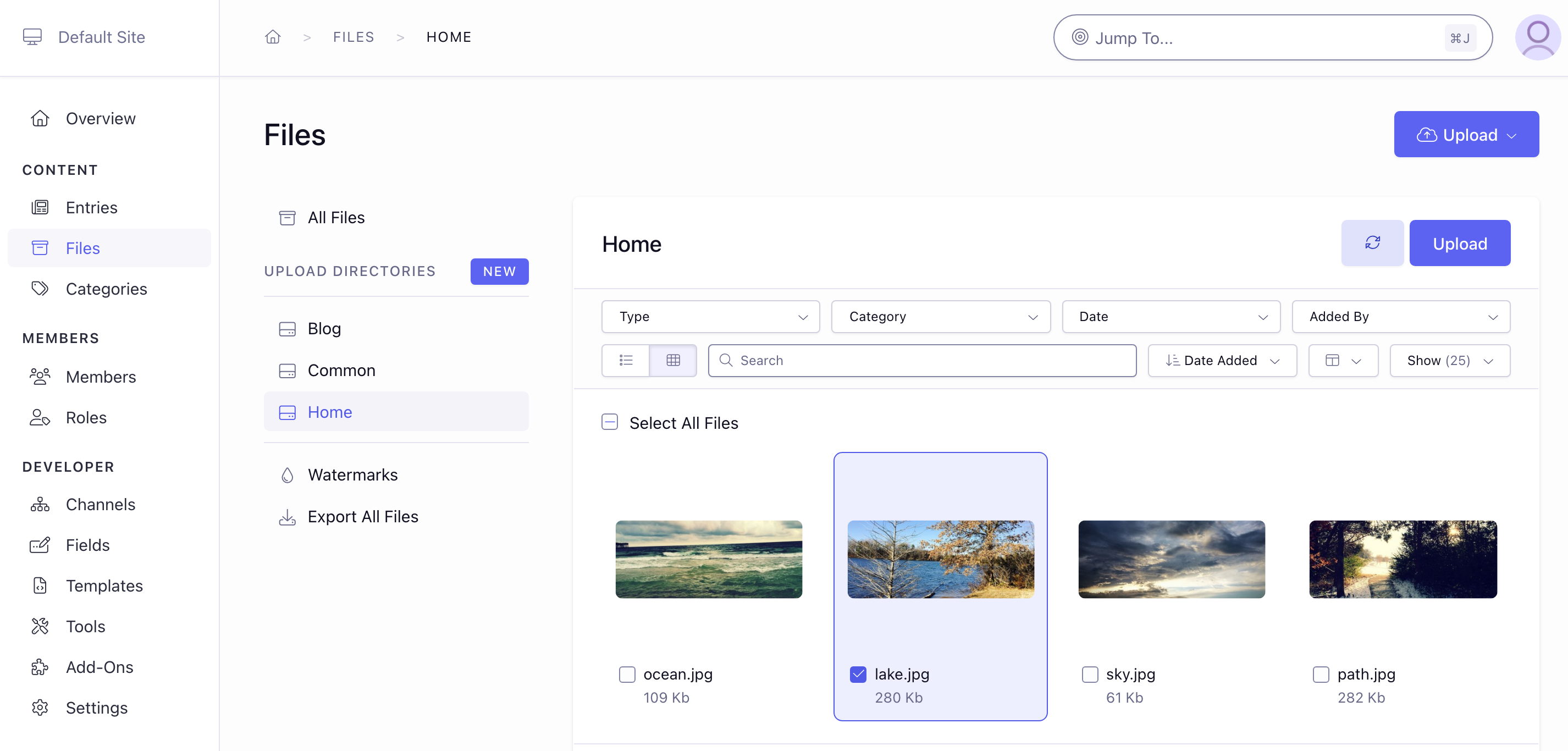
We have added a high-contrast theme to the Control Panel. Text is easier to read, and it’s easier to see which file you’ve selected or which control has focus when you’re tabbing through a form.
To give it a try, open Jump To, search for Switch Theme, and choose Contrast.
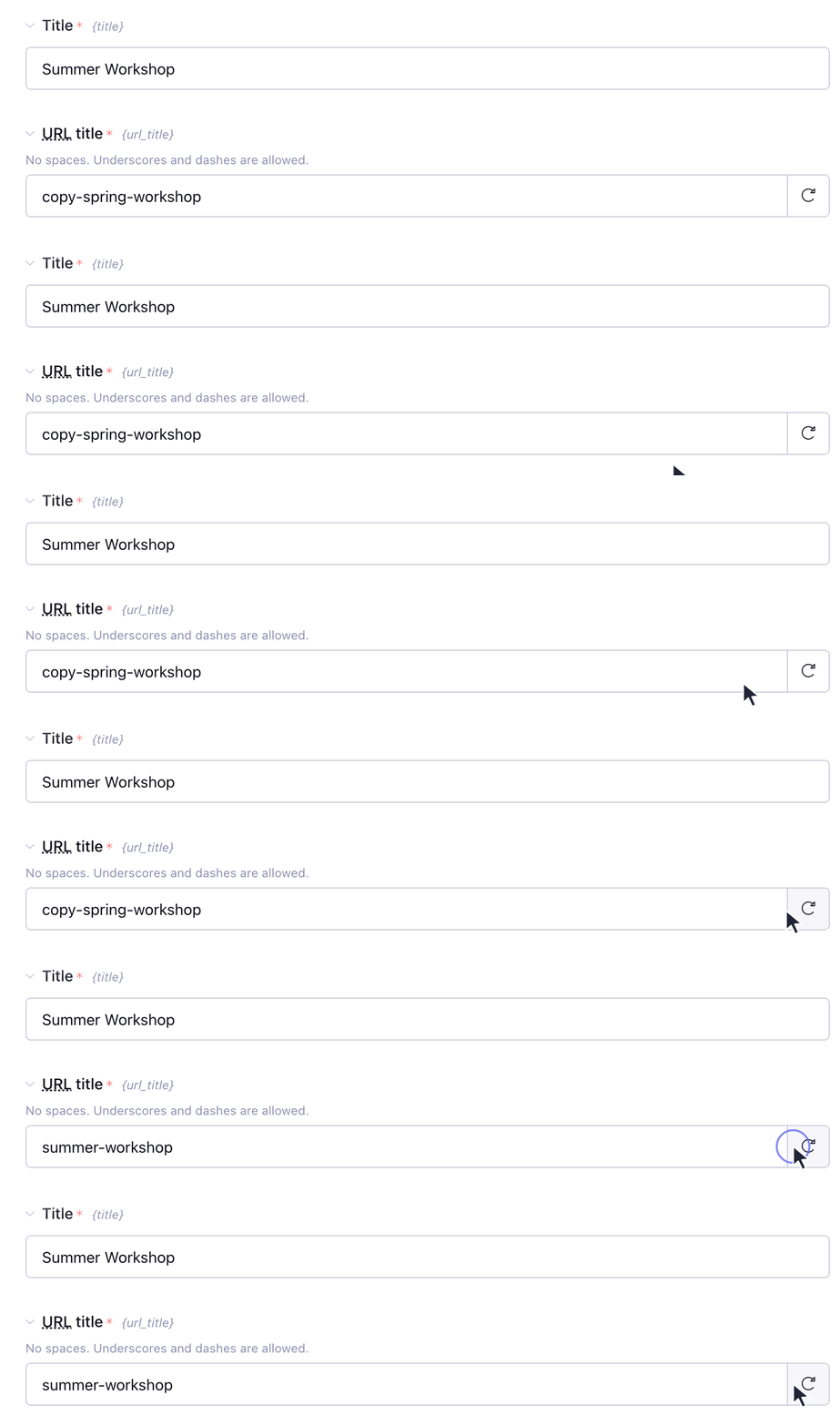
Say you’re using last season’s Spring Workshop entry as a starting point. Open the Save menu, choose Clone to New Entry, and change the copy’s title to Summer Workshop. The URL title still says copy-spring-workshop. Click the new refresh button beside URL title to generate summer-workshop, then save your changes.
There’s a refresh button for the Structure URL, too.
Last week PHP 8.6 was released and we’re happy to announce that ExpressionEngine 7.6.0 includes support for this latest version. PHP 8.6 will bring performance and stability benefits while receiving active support through 2028 and security updates through 2030.
You can now set how long a browser remembers a successful MFA verification separately from how long someone stays signed in. Say you want Control Panel sessions to expire after an hour, but you’re happy for someone who’s already verified their browser to go a day between MFA prompts. You can set that up in system/user/config/config.php.
$config['enable_mfa'] = 'y';
$config['cp_session_length'] = 3600;      // 1 hour
$config['website_session_length'] = 7200; // 2 hours
$config['mfa_session_length'] = 86400;    // 24 hours
With these settings, someone whose Control Panel session expires still signs in as usual. On the same browser, ExpressionEngine can reuse their MFA verification for up to 24 hours from when they entered the code. That window works independently of Remember Me. Signing out clears the browser’s approval, and changing a password or resetting MFA clears approvals across browsers.
MFA reuse is opt-in and requires a session mode that uses cookies. Set mfa_session_length to a positive number of seconds to turn it on. System configuration reference
Check out the ExpressionEngine University article for more details on how to set it up!
If you update ExpressionEngine as part of a deploy, a failed command needs to tell your script that something went wrong. Uncaught PHP errors now return a failure exit code. We’ve also improved rollback and made sure backups are kept if the final steps of an update fail.
For the full list of changes, check out the ExpressionEngine changelog.