
ExpressionEngine 7.5: What You Missed
11/23/2026 / By Tom Jaeger


11/23/2026 / By Tom Jaeger
Our original 7.5 roundup covered what was new in 7.5.0. Here’s a look back at a few improvements that shipped in the 7.5.x updates that followed.
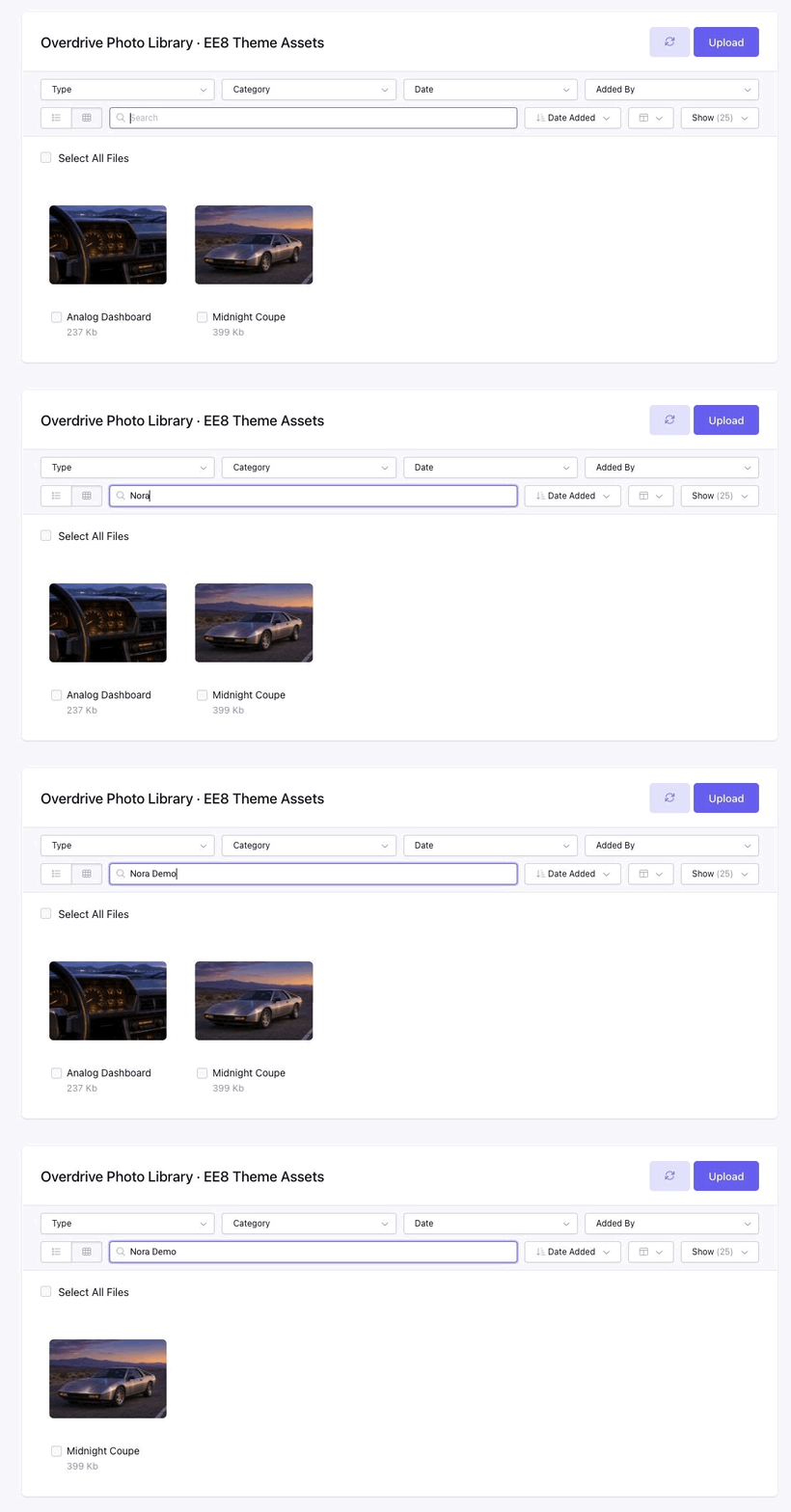
You remember who took the photo. The filename? That’s another story.
Since 7.5.14, File Manager searches Credit, Description, and Location. Search by photographer credit or where the photo was taken. If all you have is an ID from a file tag, you can search for that, too.
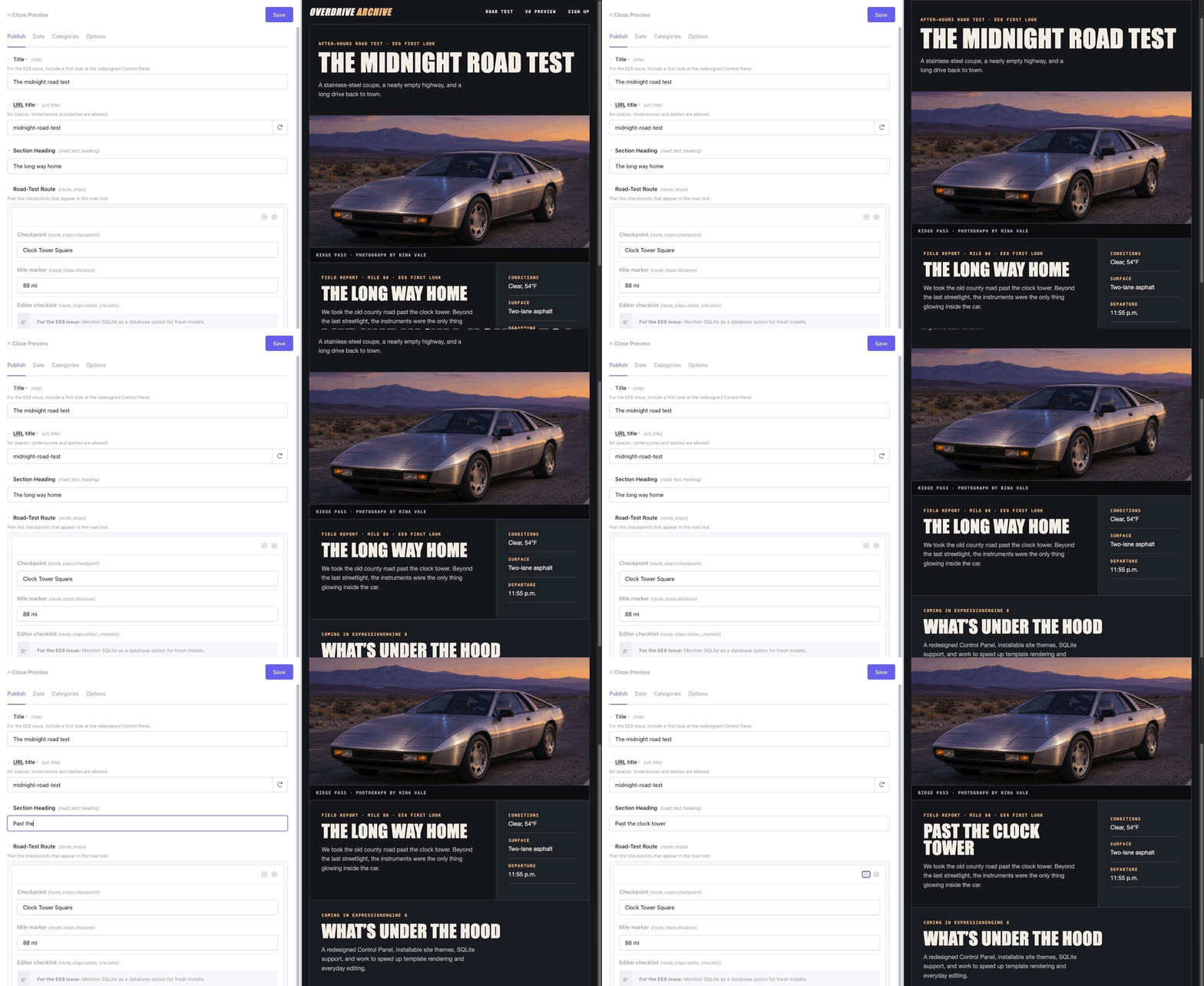
Ever been halfway down a long page in Live Preview, changed a heading, and found yourself back at the top? Since 7.5.19, the preview keeps its scroll position when it refreshes. Go ahead and tweak that heading halfway down the page. It’ll still be right there when the preview updates.
Grid shows a row count now, handy when you’re looking at a long list. And since 7.5.17, you can put a Notes field right in a Grid row. Add an editor checklist to the Grid to show the same reminder beside each row.

There’s a little something for templates, too. Since 7.5.23, you can sort by more than one Grid column. For example, sort a list of products by category, then by name within each category.
{products orderby="category|name" sort="asc|asc"}
    <p>{products:category} · {products:name}</p>
{/products}
Change the second asc to desc and the names run in reverse within each category. The categories still go A to Z.
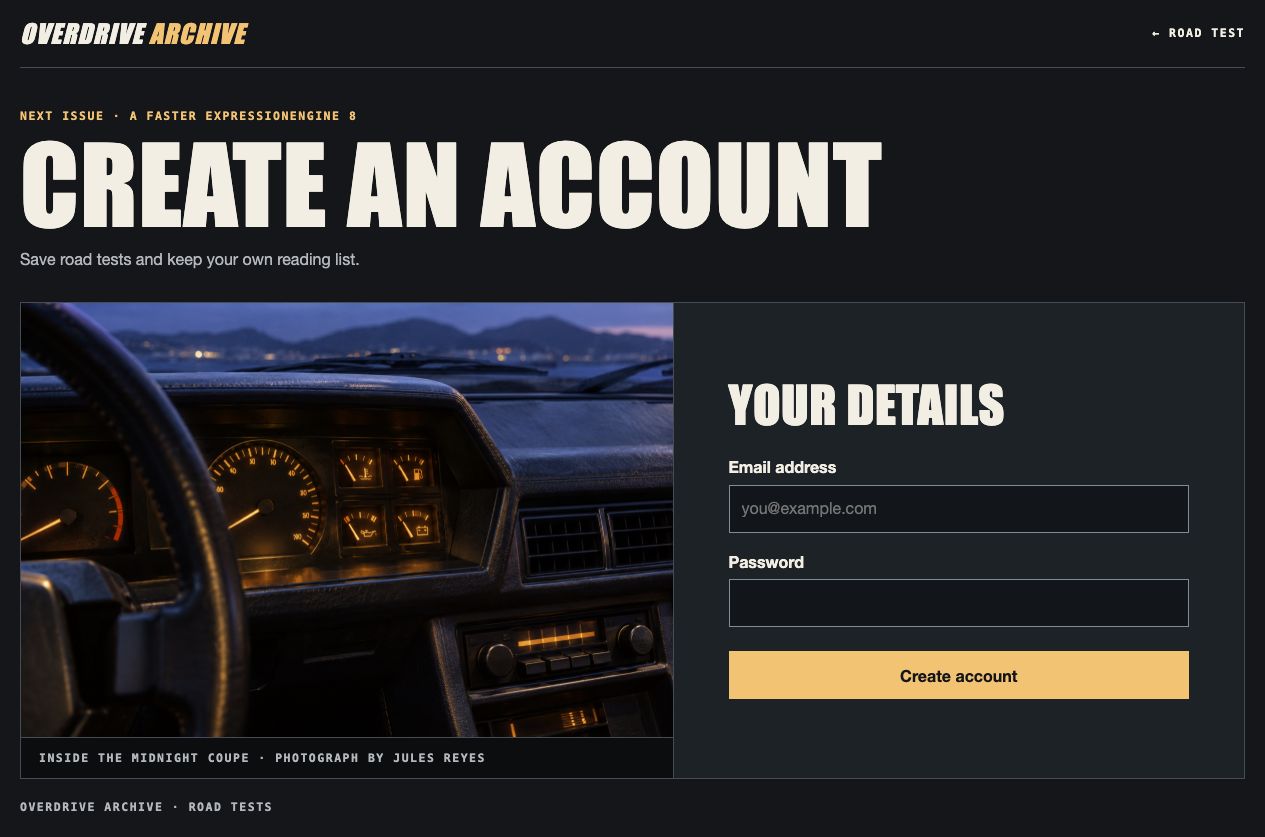
If your site uses email addresses as usernames, why ask people to come up with a username, too? Since 7.5.22, the member registration form can use the email address as the username. Set email_as_username="yes" on the registration tag, leave the separate username input off the form, and let ExpressionEngine fill it in.
File Manager added AVIF support in 7.5.16. And tucked away under Settings → Security & Privacy is an option that’s been there since 7.5.3. With the Imagick PHP extension installed, you can strip embedded metadata from images on upload. That’s handy when you want to publish a photo without its embedded location details.
Wondering what fields are on a site you’ve just inherited? Since 7.5.16, you can ask from the command line. Run these commands from the directory containing eecli.php.
php eecli.php fields:list
php eecli.php fields:list --format=json
The first is handy when you’re reading the list yourself. The second is handy when a script is doing the reading. There’s a command to list channels and one to sync an upload directory, too.
Have a favorite little addition we missed? Tell us which one you use all the time. And if you’re curious what else landed in the 7.5 updates, there’s plenty more in the ExpressionEngine 7 changelog.