


Reinos Store
Reinos Store is a powerful and easy-to-use e-commerce module for ExpressionEngine, letting you create a fully functional webshop in minutes. With support for multi-currency, products and orders as entries, seamless payment integration and more. It’s the ultimate solution for low to mid-range online stores—and even some larger ones!
Store is an e-commerce module for ExpressionEngine. Your channel entries are the products, and the cart, the checkout and the orders are template tags in your own HTML. When your shop grows, add Store Shipping, Store Tax, Store Price Rule and the other Store add-ons.
Part of ExpressionEngine sites since 2021, and still actively developed
Key features
- Guided setup: A checklist takes a new shop from the store details to a first paid order, and checks every step by itself.
- Checkout in steps: Ask for the address, the shipping and the payment in steps or on one page, starting from the example templates.
- Example templates: Working templates for the products, the cart, the checkout and the order history, copied to your site in one click.
- Product options: Options such as a size or an extra cable add to the price, which updates on the product page.
- Payment gateways: Mollie, PayPal, MultiSafepay, Stripe Checkout or card payments with Stripe on your own page, and a manual gateway for invoices.
- Gateways worldwide: Square, Adyen, Buckaroo, Worldpay, Mercado Pago, Razorpay, Lemon Squeezy and many more, from the Americas to Asia and Africa.
- Stock: Every order takes its quantity off the stock of the product, a cancelled or refunded order puts it back.
- Discounts: Discount codes for one or more customers, and discounts per member or role, as an amount or a percentage.
- Reorder and renew: An Order again or Renew button puts earlier products back in the cart, for their current price.
- Address checks: Postal codes and phone numbers are checked against the format of their country, and saved in its usual notation.
- Order management: Find, refund (with gateways that support it) and export your orders in the control panel.
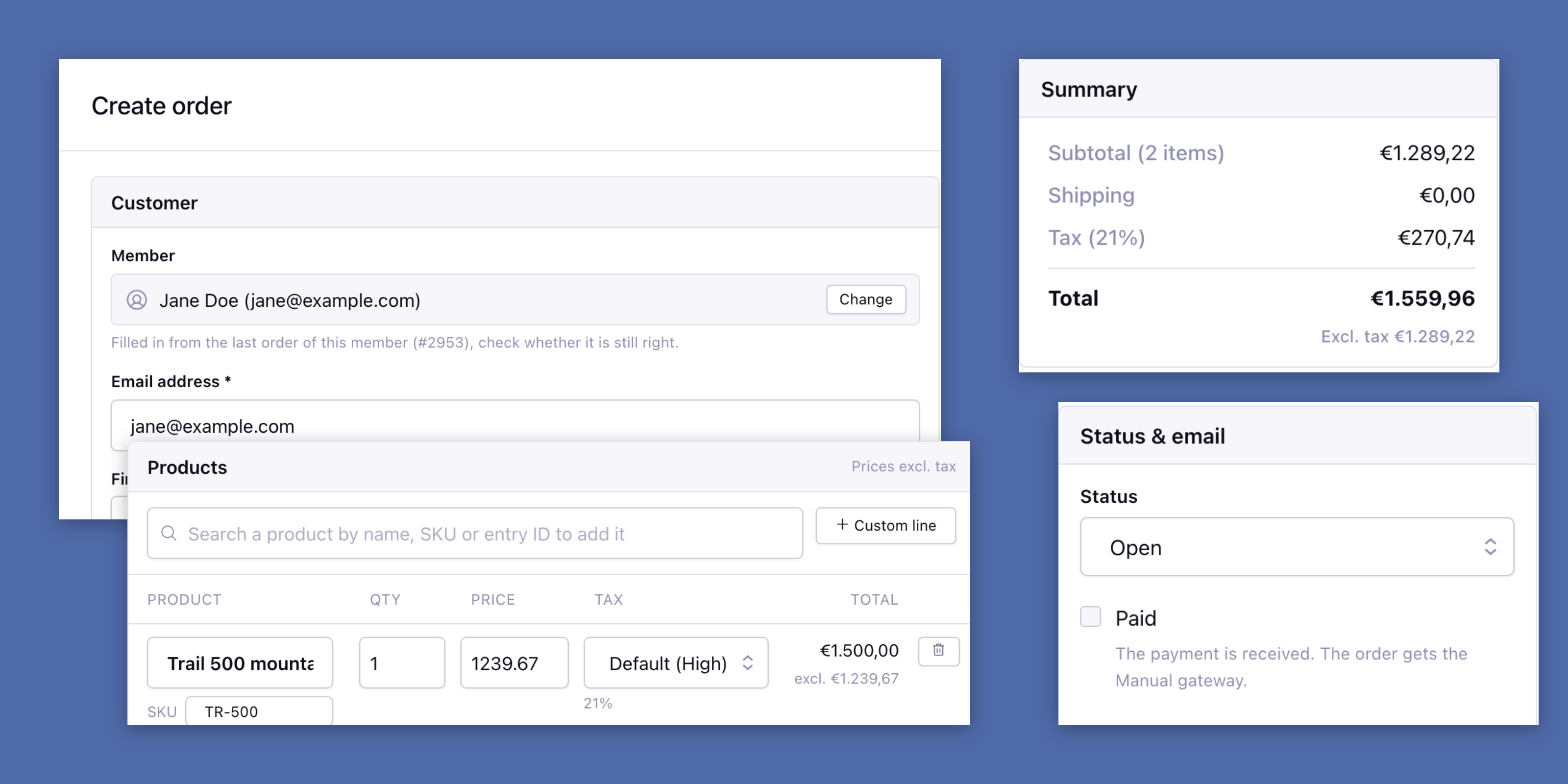
- Orders by hand: Create an order in the control panel for a phone order, with a member’s last address filled in.
- PDF layouts: Design the invoice, the order confirmation and the packing slip with drag-and-drop blocks.
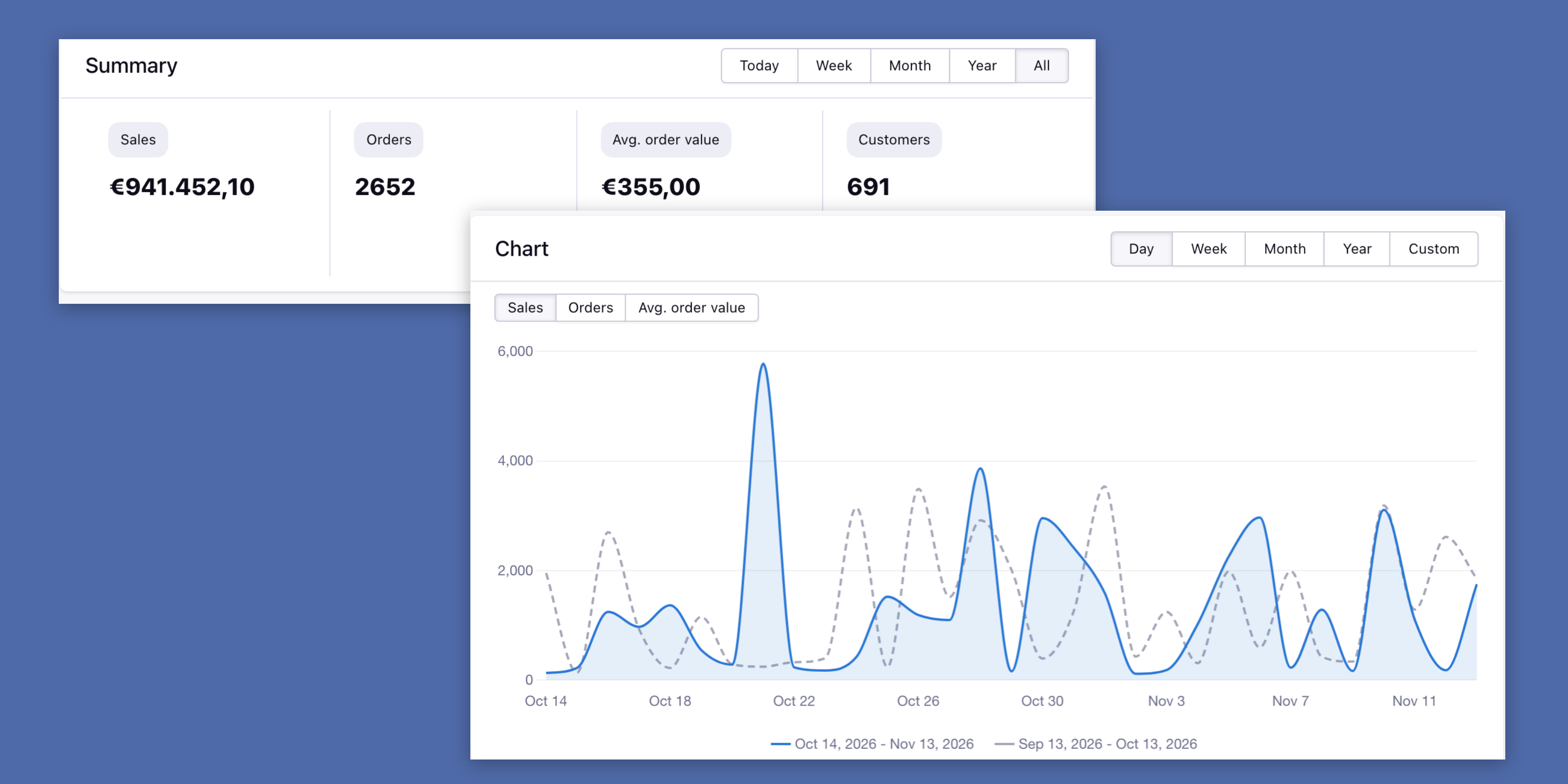
- Sales dashboard: Your sales and orders per day, week, month or year.
- Orders as entries: Orders and order items are synced to channel entries and back, so you can use the channel entries tag and add your own fields.
- Digital products: Give a synced order item an expiration date and a license key.
Every order in one place
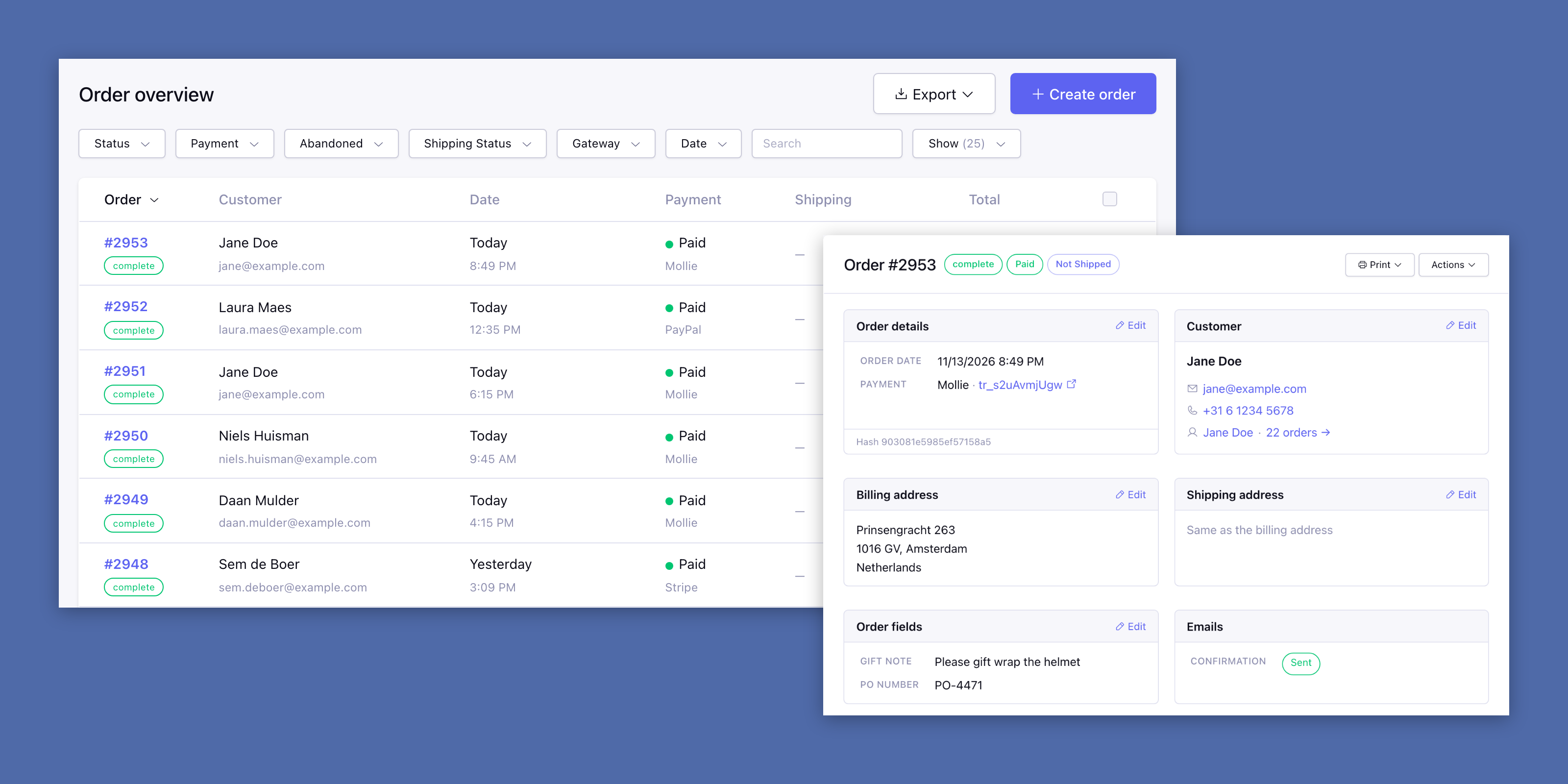
The order overview lists every order with its status, the customer, the payment and the total, and exports the orders as CSV.
Open an order to see its products, addresses, custom fields and logs. Download the invoice or the order confirmation, resend the confirmation email, refund the payment (with the gateways that support it) or sync the order to its entries.
The product page is your template
The add to cart form is a tag around your own HTML, inside the channel entries tag you already know. Product options come from your own fields, such as a Grid with the sizes and their price.
Mark the price with a class and it updates while the customer picks the options.
A phone order, entered in the control panel
Pick a member and the name, phone, company and addresses of their last order are filled in. Search the products by name, SKU or entry ID, or add a custom line for a service, and change the price or tax of any line.
The summary calculates the shipping, the tax per rate and the total while you type. Mark the order as paid, and send the confirmation email or not.
Your invoice, your layout
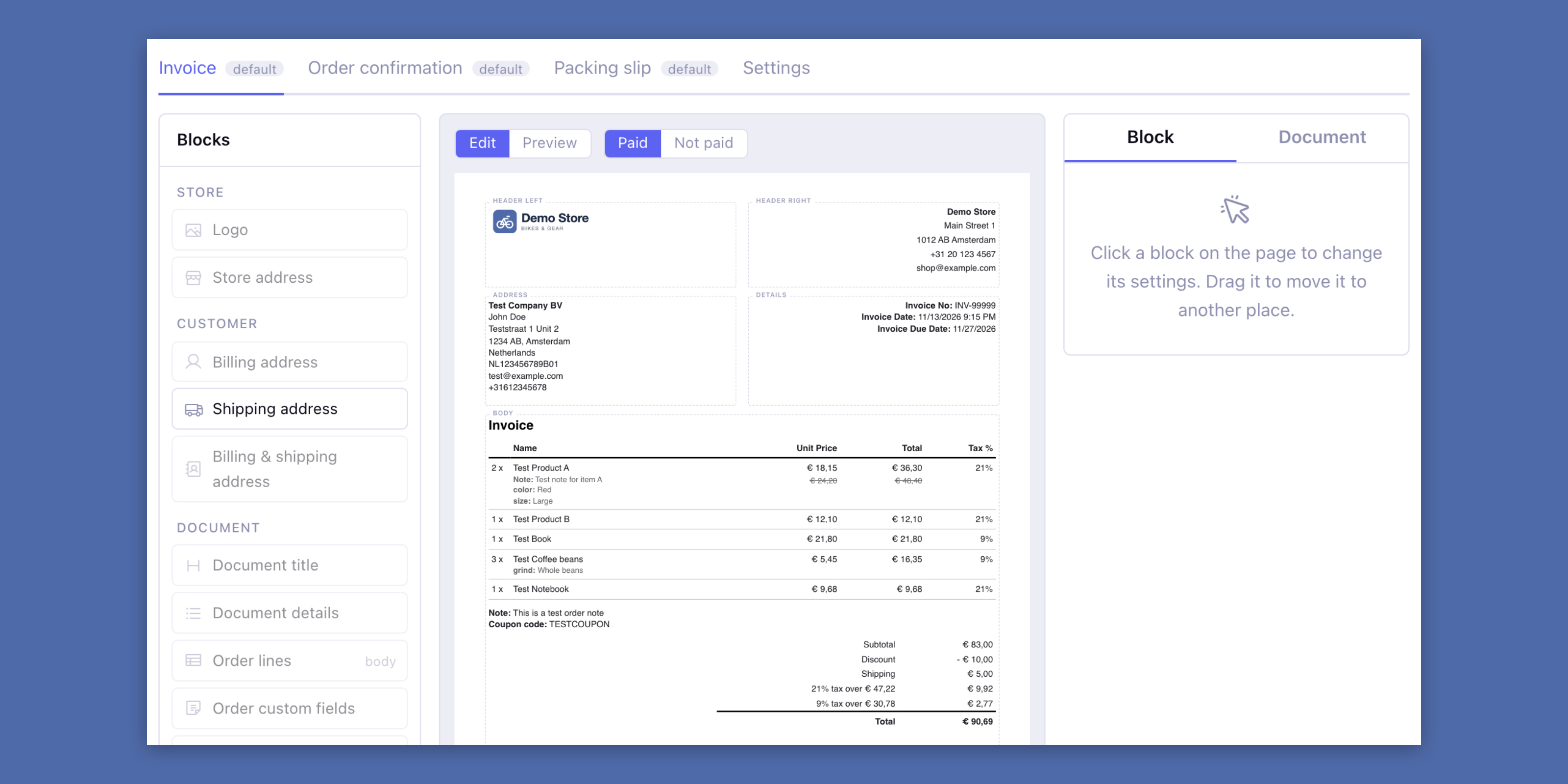
Build the invoice, the order confirmation and the packing slip from blocks: drag the logo, the addresses, the order lines, the totals and your own text to a zone of the page. Every document has its own layout.
Preview it with a paid or a not paid test order and download a test PDF before you save. The totals show a tax line per rate, as an invoice in the EU needs.
The payment provider your customers know
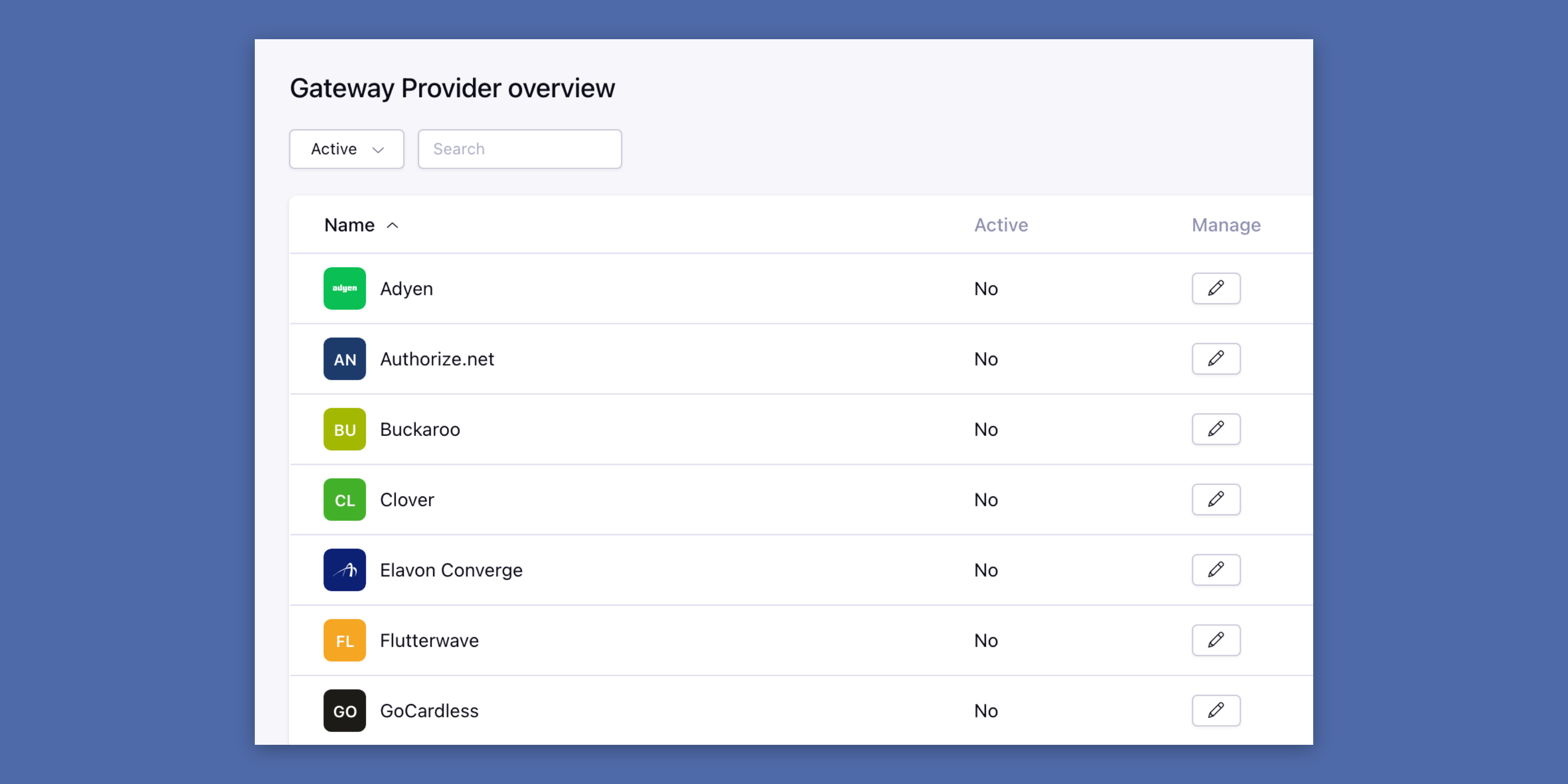
Over twenty providers besides Mollie, PayPal and Stripe, each with a setup guide and its icon in the control panel.
The customer pays on the page of the provider. When the customer returns or the provider calls the webhook, the Store checks the payment with the provider before it changes the order. Refund a paid order from the control panel, with every gateway that supports refunds.
Stock that keeps itself up to date
Pick a number field of your product channel as the stock. Every order takes its quantity off; a cancelled, failed, expired or refunded order puts it back.
Turn on Check the stock and the customer can’t put more in the cart than you have, checked again in the checkout.
Discounts without an extra add-on
Create discount codes for one customer or for many, and discounts for a member or a role, as a fixed amount or a percentage of the order.
A discount for reorders and renewals takes a percentage or a fixed amount off the products a customer orders again.
A new shop, step by step
The Setup page walks a new shop through its steps: the store details, tax, shipping, a product channel, a payment method, the emails and the templates. Every step checks your settings by itself and ticks off when it is done.
Until the last step, a test order that is paid, the menu shows a ring that fills up with your progress, and the dashboard tells you the next step.