


Reinos Iconfont
An icon picker fieldtype for ExpressionEngine with search, categories and favorites. Use Font Awesome, Material, any Iconify set, your own svg files or icon font, limit it to the icons your editors need and output inline SVG.
Iconfont is a fieldtype that gives editors an icon picker instead of a class name to type. With presets you decide which icons they can choose, and in your templates you output the icon as a class, as HTML or as inline SVG.
Part of ExpressionEngine sites since 2021, and still actively developed
Key features
- Searchable picker: Find an icon by its name or a synonym, by category, in your favorites or in the recently used icons.
- Font Awesome and Material: Font Awesome, Material Icons and Material Symbols are ready to use after the install.
- 150+ Iconify sets: Use lucide, tabler, heroicons or any other set on Iconify, as SVG.
- Your own SVG files: Pick the svg files of an upload directory, with every subfolder as a category.
- Your own icon font: Load your stylesheet and import the icons from it, or from an IcoMoon or Fontello file.
- Presets: Only show the icons your editors need, grouped in your own categories.
- Grid, Fluid and more: Works in channel entries, Grid, Fluid, Bloqs and Pro Variables.
- Template tags: Add a size, a class or an accessible title, and loop over multiple icons.
The icon in a few keystrokes
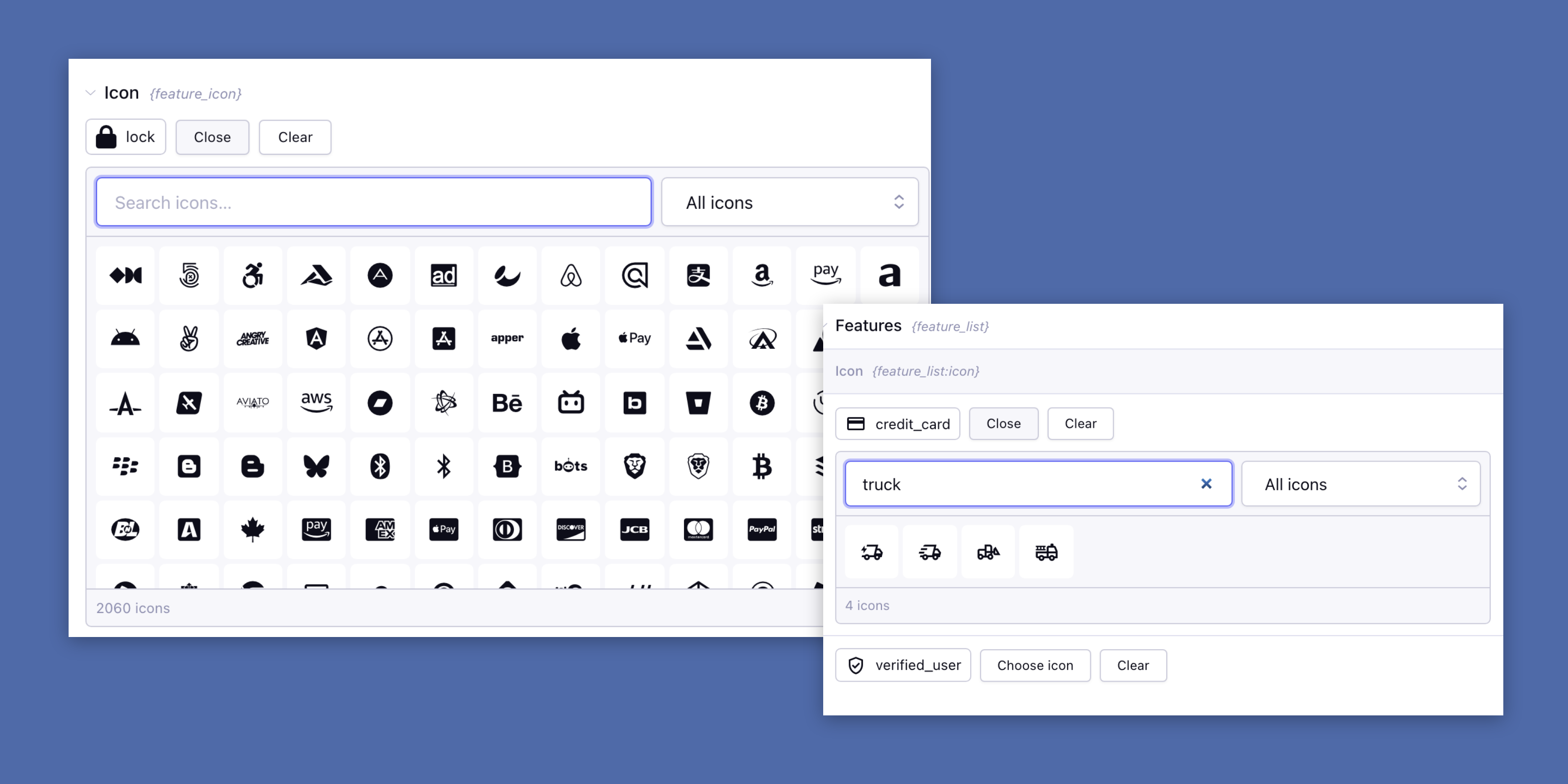
Click Choose icon and type. For Font Awesome and Material the picker also searches the synonyms, so residence finds house. Pick a category to browse, or star the icons you use and find them back under Favorites.
Only the icons your client needs
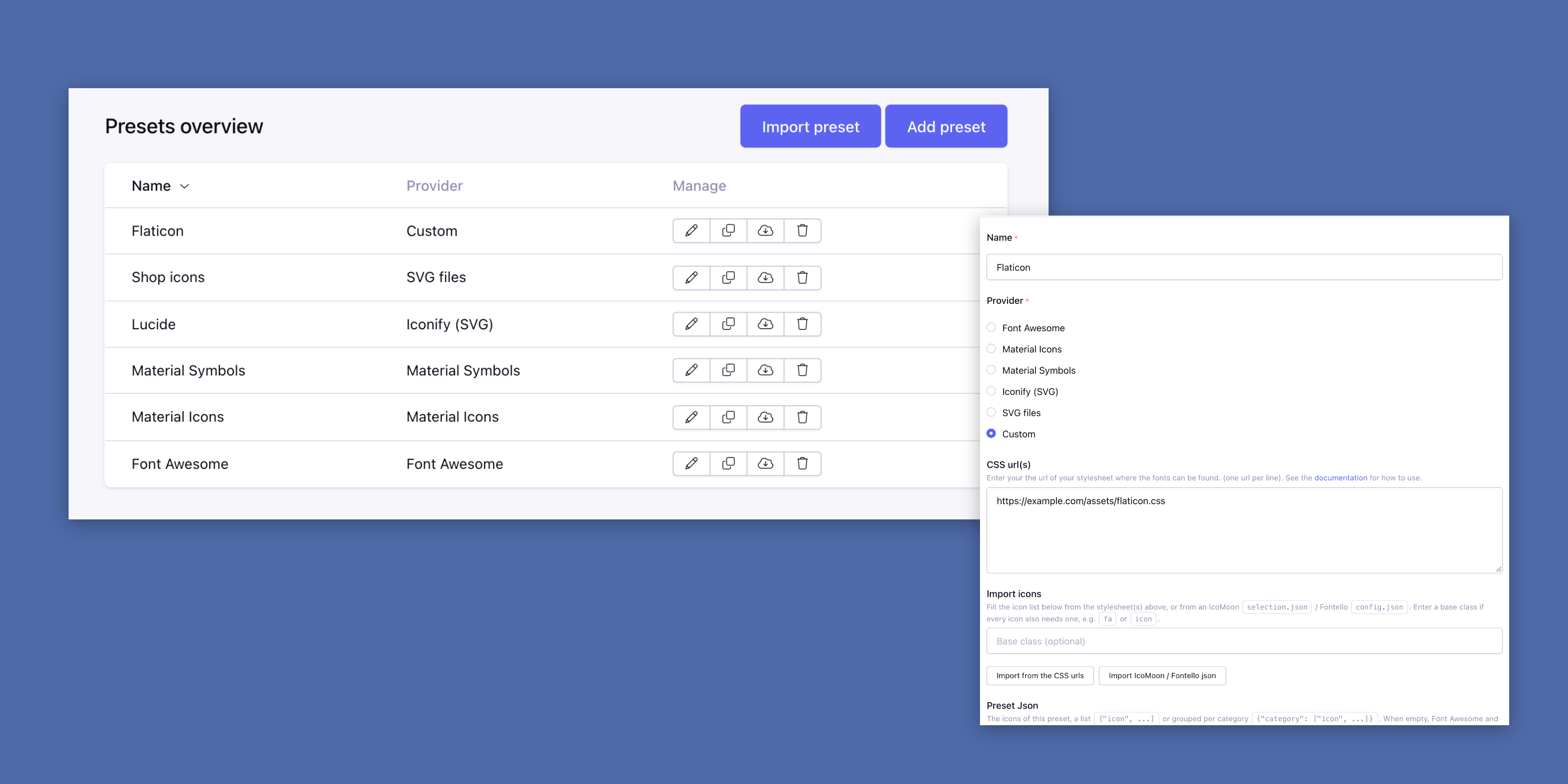
A preset is a set of icons of one provider, and every field uses a preset. Click Load default set for all the icons of the provider and remove the ones you don’t need, or group them in your own categories.
Duplicate a preset, or export it and import it on another site, for example from development to production.
One icon or a list of them
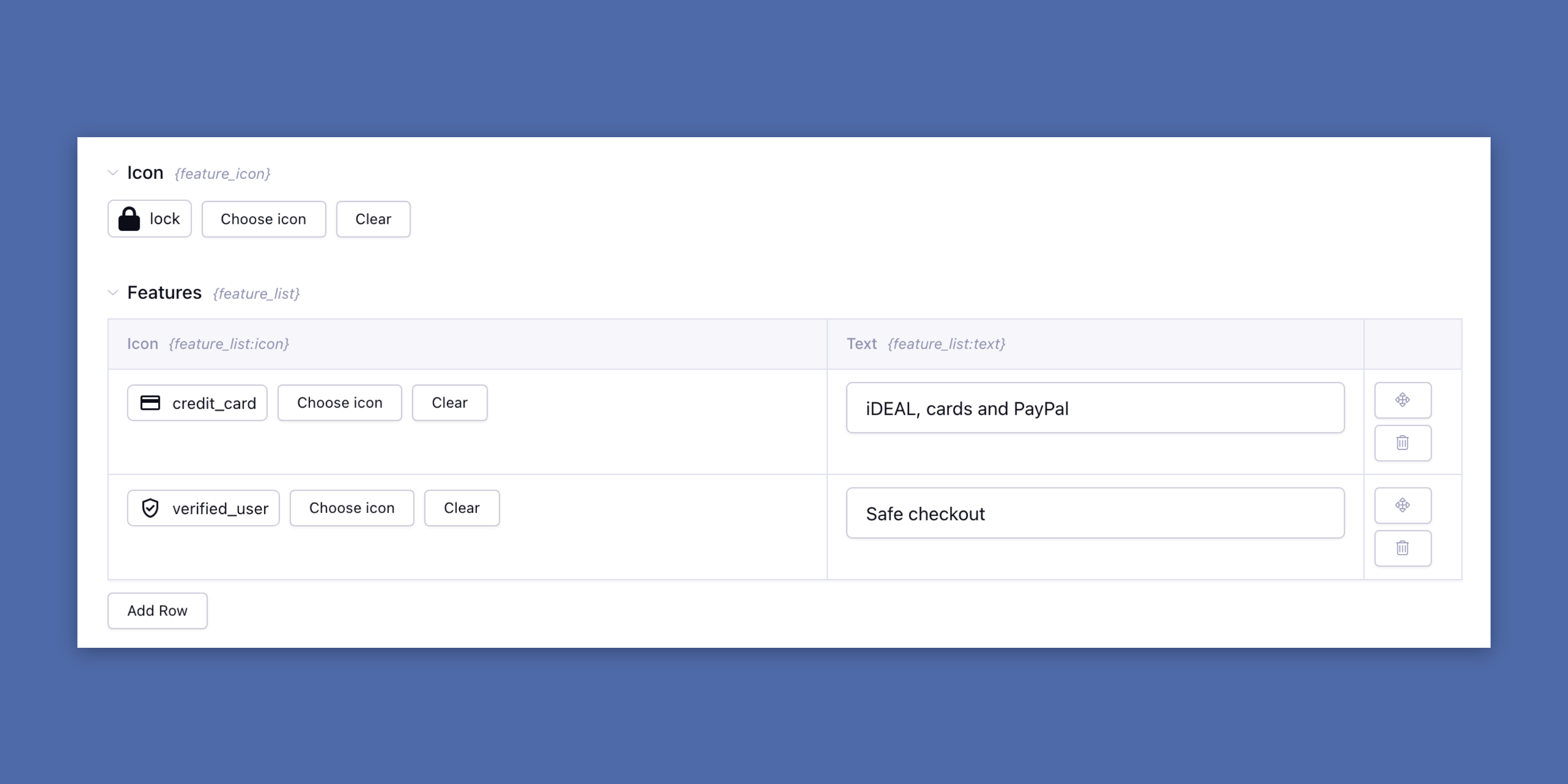
Use the field on its own or as a Grid column, give new entries a default icon and only accept icons from the preset. Turn on multiple icons and loop over them in your template.
The icon is also a column in the Entry Manager, and other fields can be shown or hidden depending on it.