We use cookies to improve your experience. No personal information is gathered and we don't serve ads. Cookies Policy.

ExpressionEngine Logo ExpressionEngine
Features Pricing Support Find A Developer
Partners Upgrades
Blog Add-Ons Learn
Docs Forums University
Log In or Sign Up
Log In Sign Up
ExpressionEngine Logo
Features Pro new Support Find A Developer
Partners Upgrades
Blog Add-Ons Learn
Docs Forums University Blog
  • Home
  • Add-Ons
default app icon

RD SVG Icons

By Reusser Design
Media Templating Utilities
Free

Description

A quick and clean way to implement SVGs into your templates.
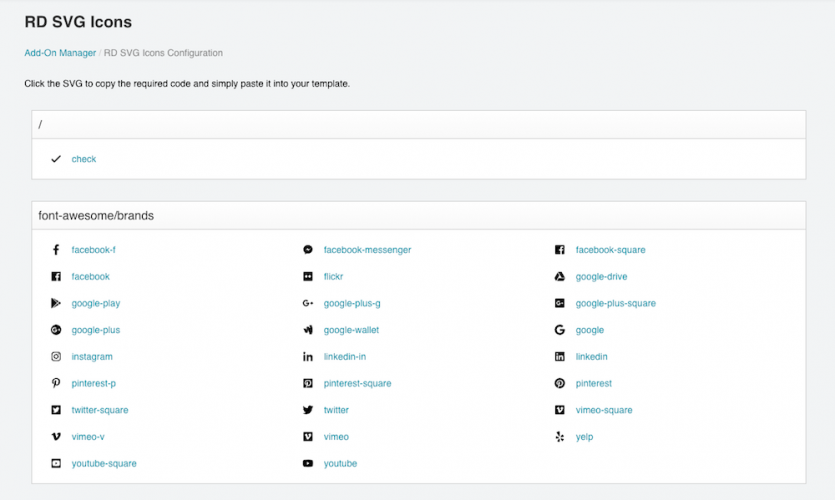
  • 1. View your SVGs.
  • 2. Click to copy the code.
  • 3. Paste code into the template.

Tired of massive amounts of SVG code in your templates? So were we. With the ability to view your SVGs in the control panel, and implement them with a convenient one-click copy, implementing SVGs into your ExpressionEngine template has just gotten a whole lot easier (and cleaner).

Manage your SVGS in three simple steps…

  • Set Config Variable.
  • Upload SVGs.
  • Use the add-on.
Information
Version 3.0.4
Last Update 7 years ago
Compatibility EE 5, 4, 3
License MIT
Links
  • Documentation
  • Support
Free
ExpressionEngine Home Features Pro Contact Version Support
Learn Docs University Forums
Resources Support Add-Ons Partners Blog
Privacy Terms Trademark Use License

Packet Tide owns and develops ExpressionEngine. © Packet Tide, All Rights Reserved.