


Markdown Docs
Markdown Docs renders a product’s shipped README.md and CHANGELOG.md, uploaded to a file field, as documentation and release-notes pages on your ExpressionEngine site — sections, anchors and a table of contents for the manual, a version, date and anchor per release for the changelog — so the files that ship with the product are the single source of its docs. Free, MIT.
Markdown Docs for ExpressionEngine
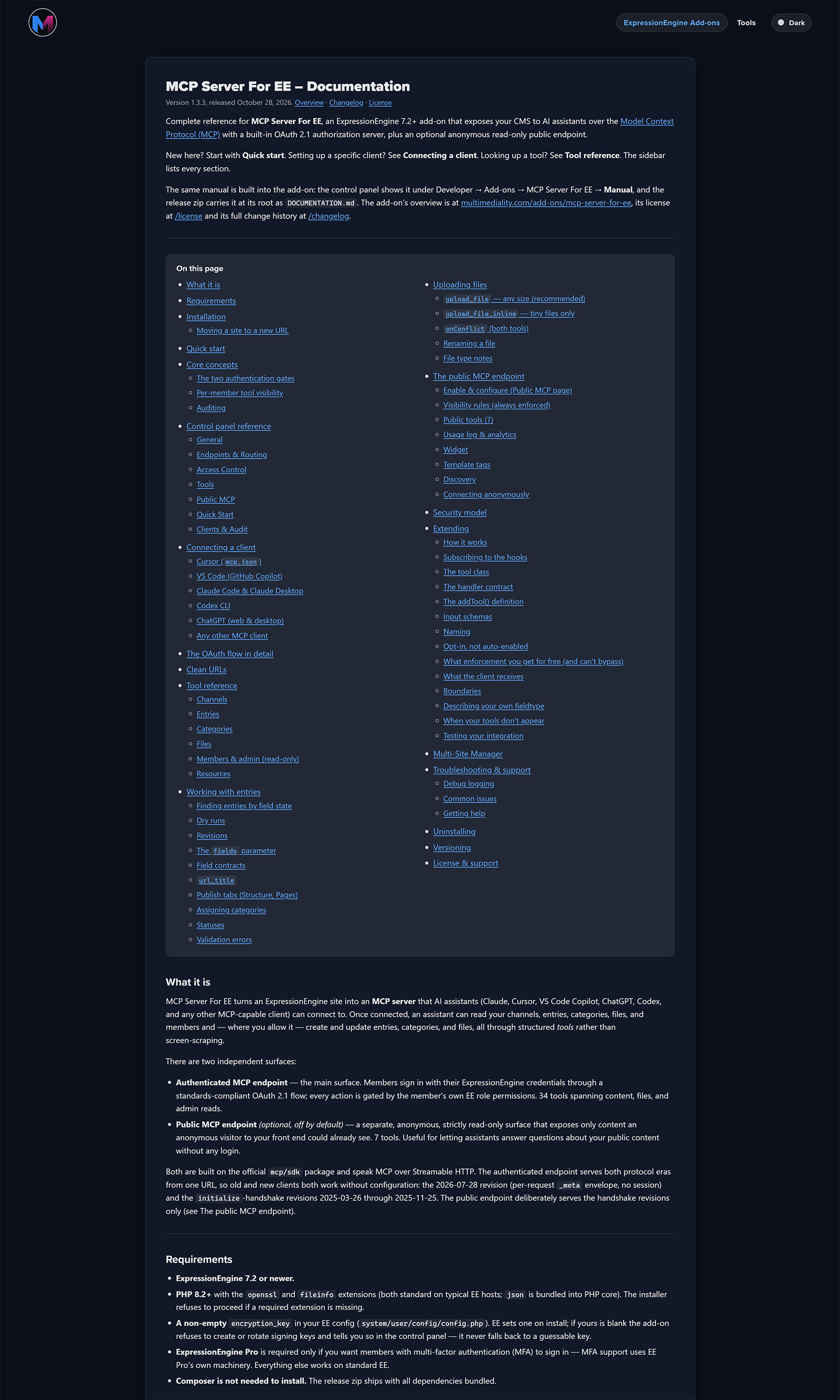
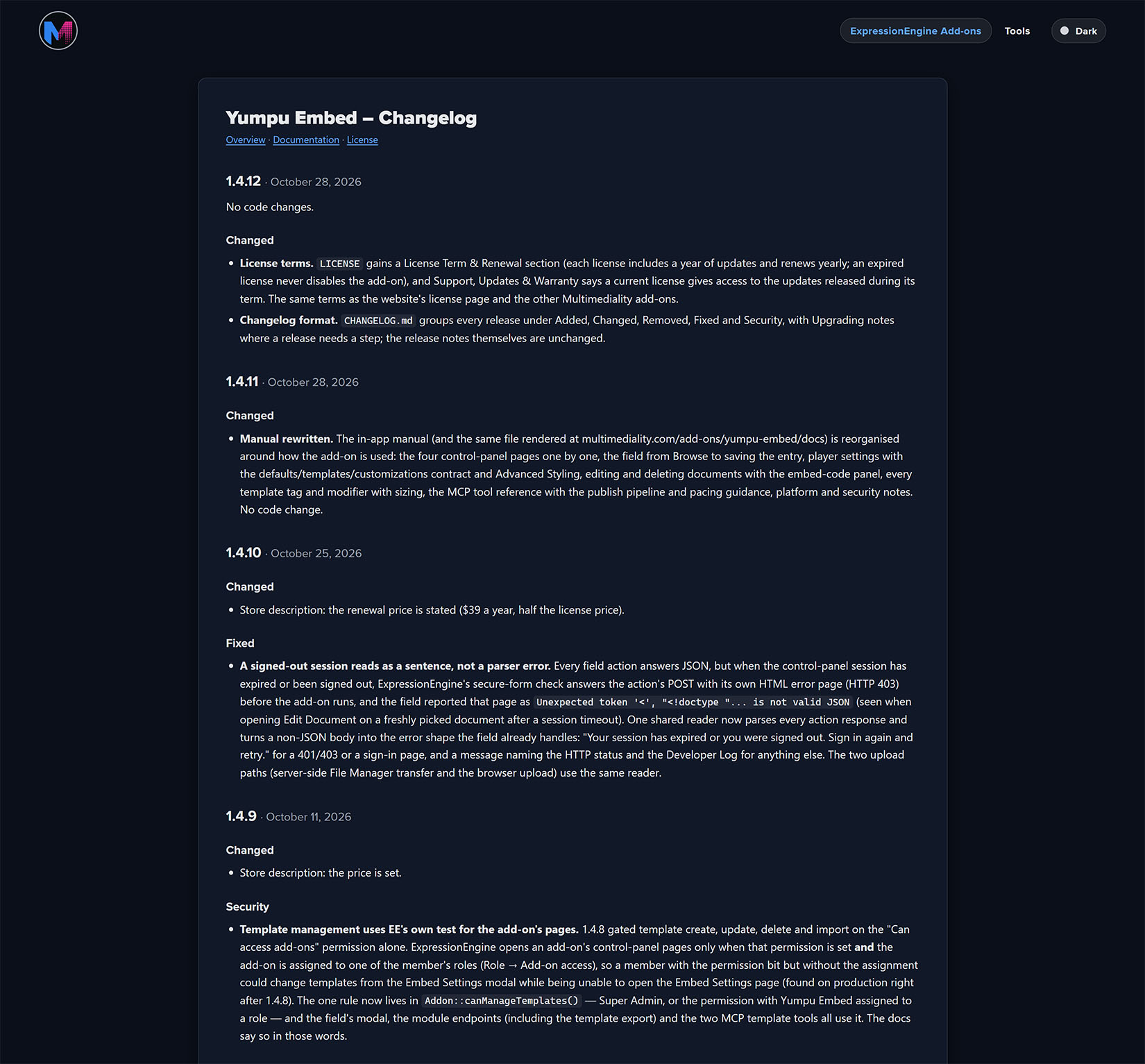
Your product’s documentation already exists: it is the README.md and CHANGELOG.md that ship with it. Markdown Docs renders those files on your ExpressionEngine site. Upload them to a file field, add two tags to your templates, and you have a documentation page with sections, anchors and a table of contents, and a release-notes page with a version, a date and an anchor per release. Replace a file and the pages follow. Nothing is retyped, and nothing drifts.
Highlights
- The files are the source: The same
README.mdExpressionEngine renders on an add-on’s Manual page, rendered on your site with the same parser, so the two never disagree. - Structured, not a blob: Every
##heading becomes a section with its own anchor and a table-of-contents entry (with the###headings nested under it), so a template can print the manual as sections, link into it, or show just the Requirements section on an overview page. - Release notes understood: A changelog’s
## 1.2.0 — 2026-10-28headings become releases with the version, the date (in your date format) and an anchor;## Unreleasedis skipped. One tag prints the whole history;limit="1"prints “Version 1.2.0, released October 28, 2026” on a listing card. - Links that follow the site:
rewrite_linkspoints every link under your live origin at the site that is rendering, so a staging copy links to itself. - Safe to render:
{and}in the document are encoded, so a template-tag example in a manual never runs as a tag. - Ships with nothing to configure: No settings page, no database table. Two optional site-wide defaults in
config.php. - Fast: Renders are cached and keyed on the file, so a replaced file shows at once and an unchanged one costs one cache read.
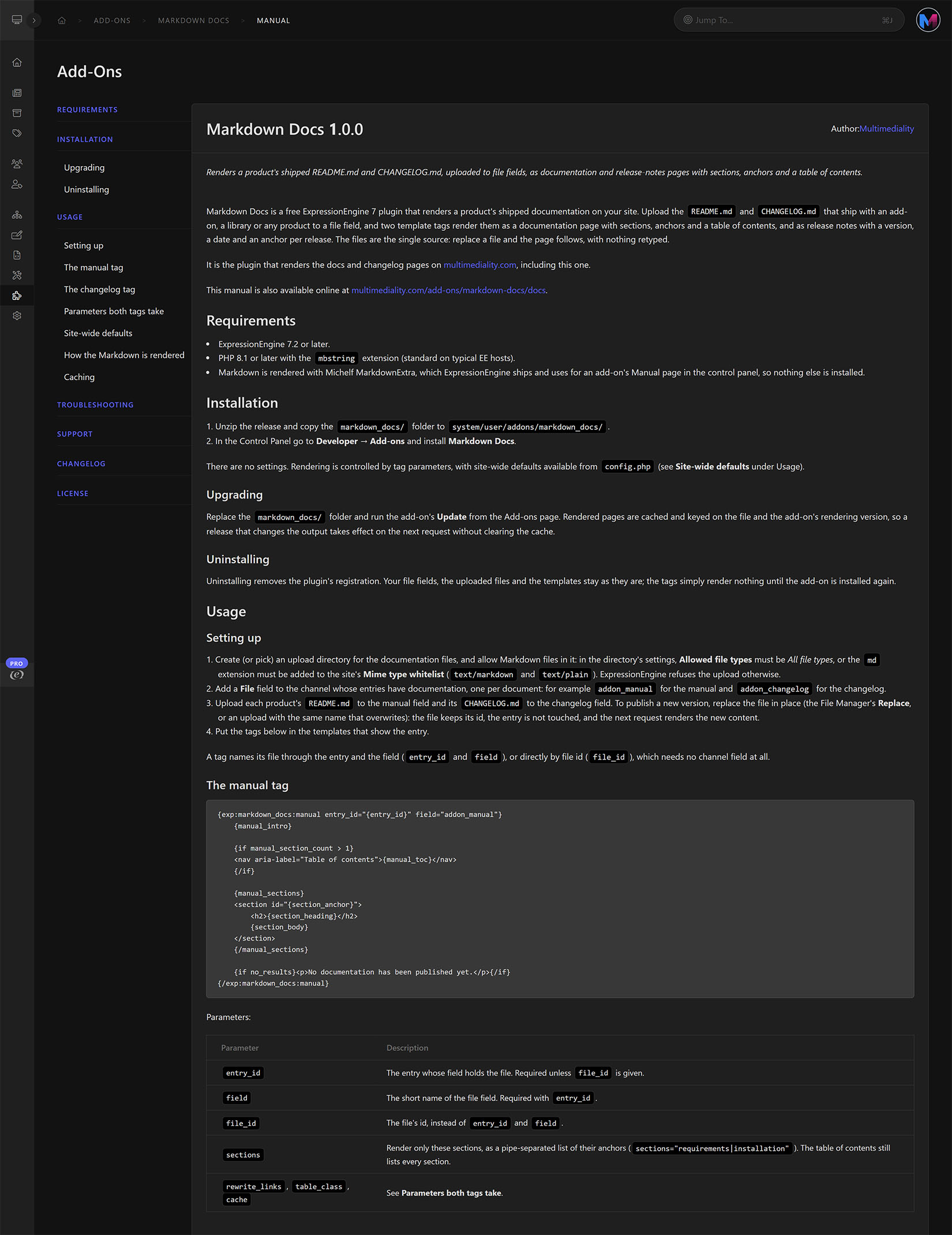
- Manual in the Control Panel: The full manual renders on the add-on’s Manual page in the Add-on Manager, with the same content online.
How it works
- Allow Markdown files in an upload directory and add a File field (or two) to the channel.
- Upload each product’s
README.mdandCHANGELOG.md. {exp:markdown_docs:manual entry_id="{entry_id}" field="addon_manual"}renders the manual;{exp:markdown_docs:changelog entry_id="{entry_id}" field="addon_changelog"}renders the releases.
Requirements
- ExpressionEngine 7.2 or later on PHP 8.1 or later (with the
mbstringextension)
Pricing & license
Free. MIT License: use it, change it, ship it with client sites.
Support
Full documentation is linked from this listing and renders inside the Control Panel on the add-on’s Manual page. Support is best-effort by email: send the Markdown file, the tag as written and what the page shows to [email protected].
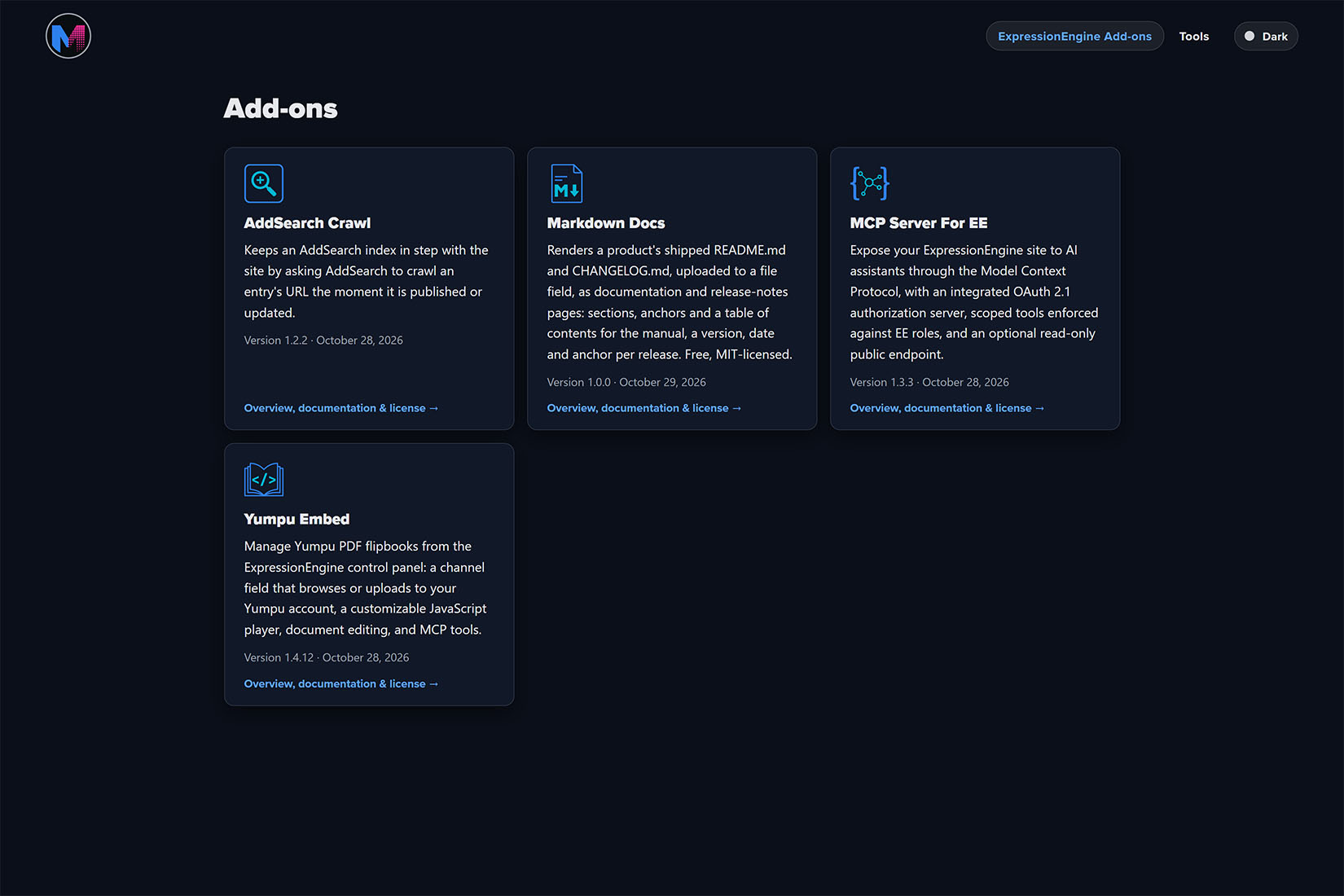
Markdown Docs is the plugin that renders the add-on documentation on multimediality.com, including its own.